Passport Photo Resizer
Turn any photo into the exact UK size, cropped to 35 × 45 mm with the head sized and background fixed. Fully compliant with the latest HM Passport Office requirements.
Drag & drop your photo or
Free check · £5.99 only if it passes- Upload auto-deleted after 24h
- Ready in 30 seconds
- Acceptance guaranteed
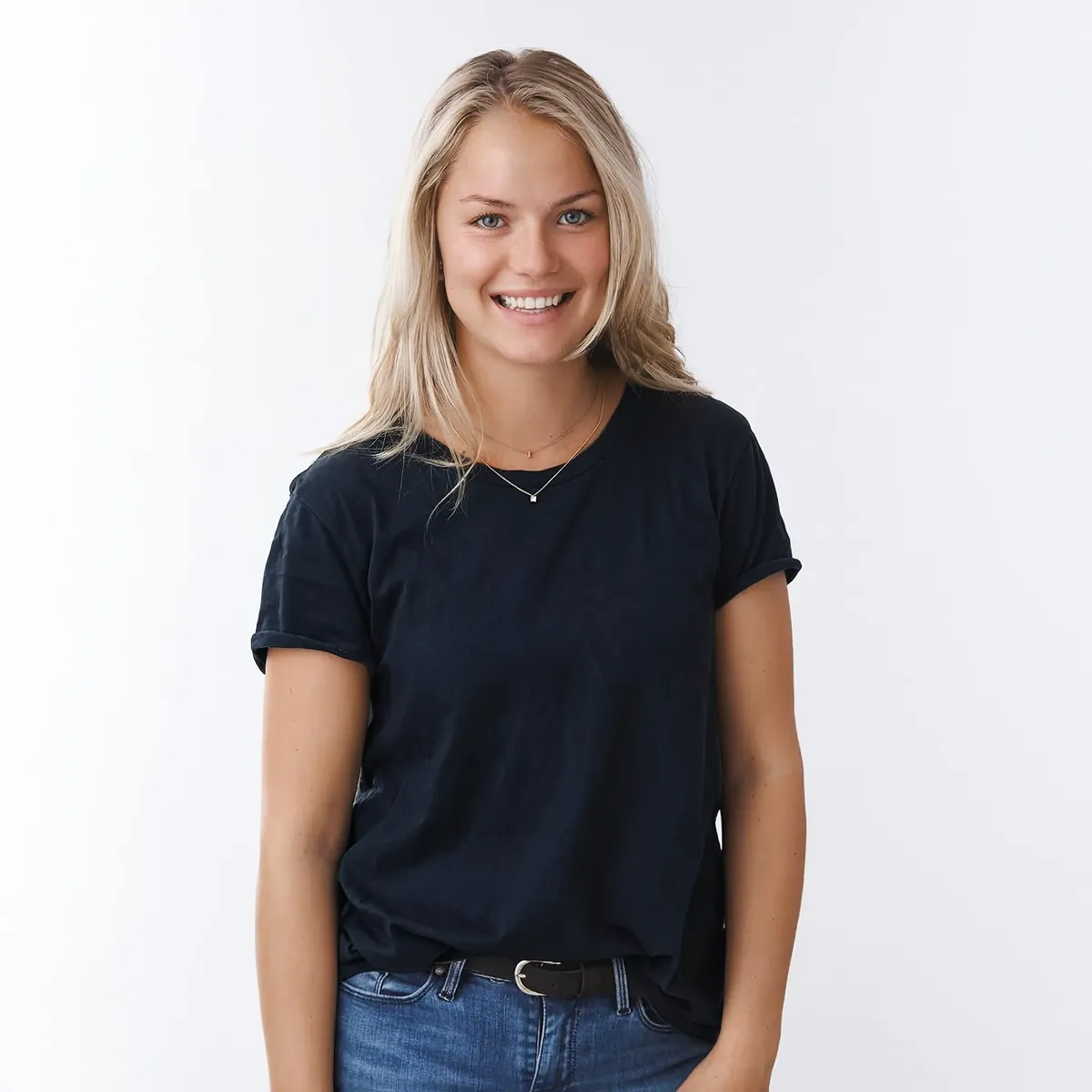
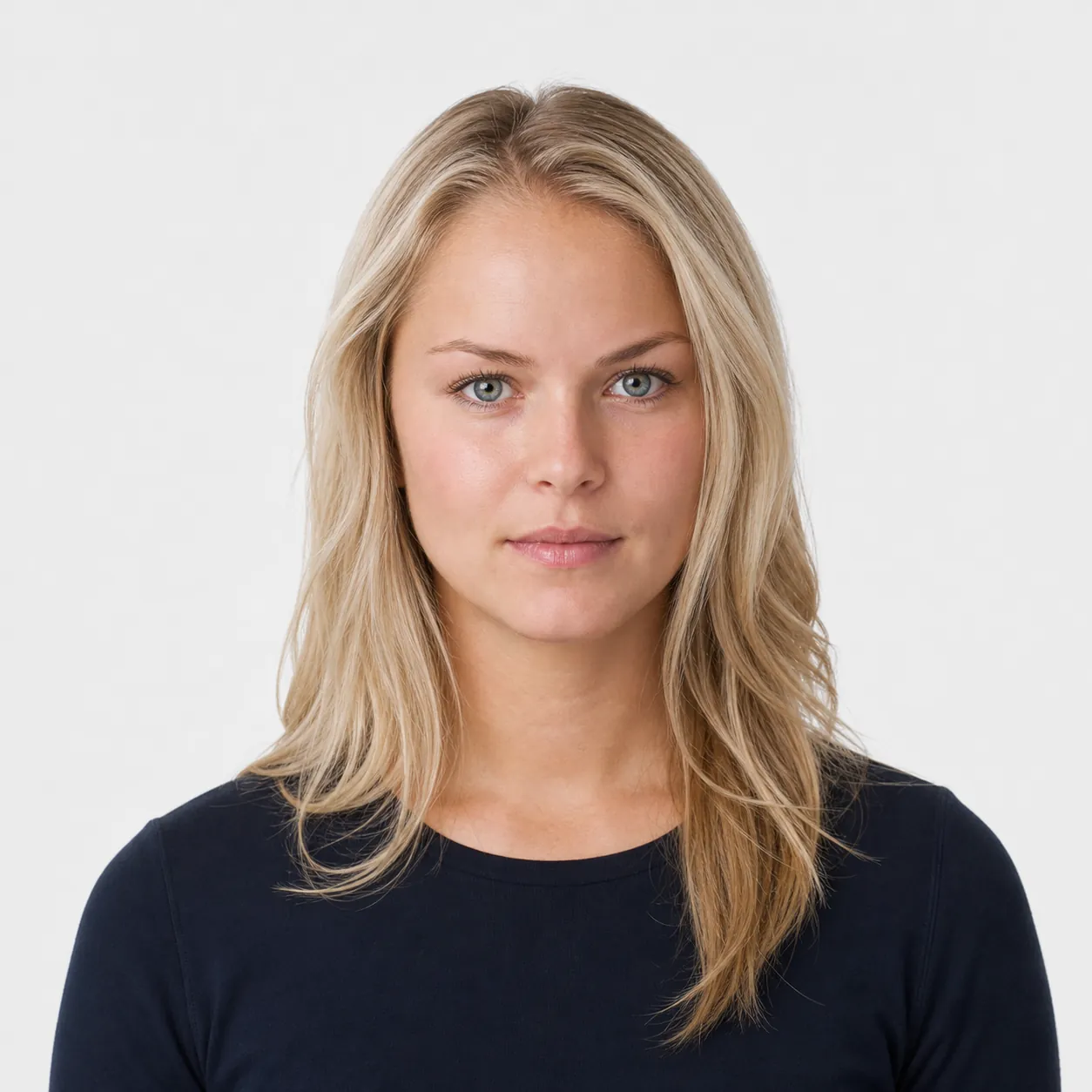
Four steps you can see.
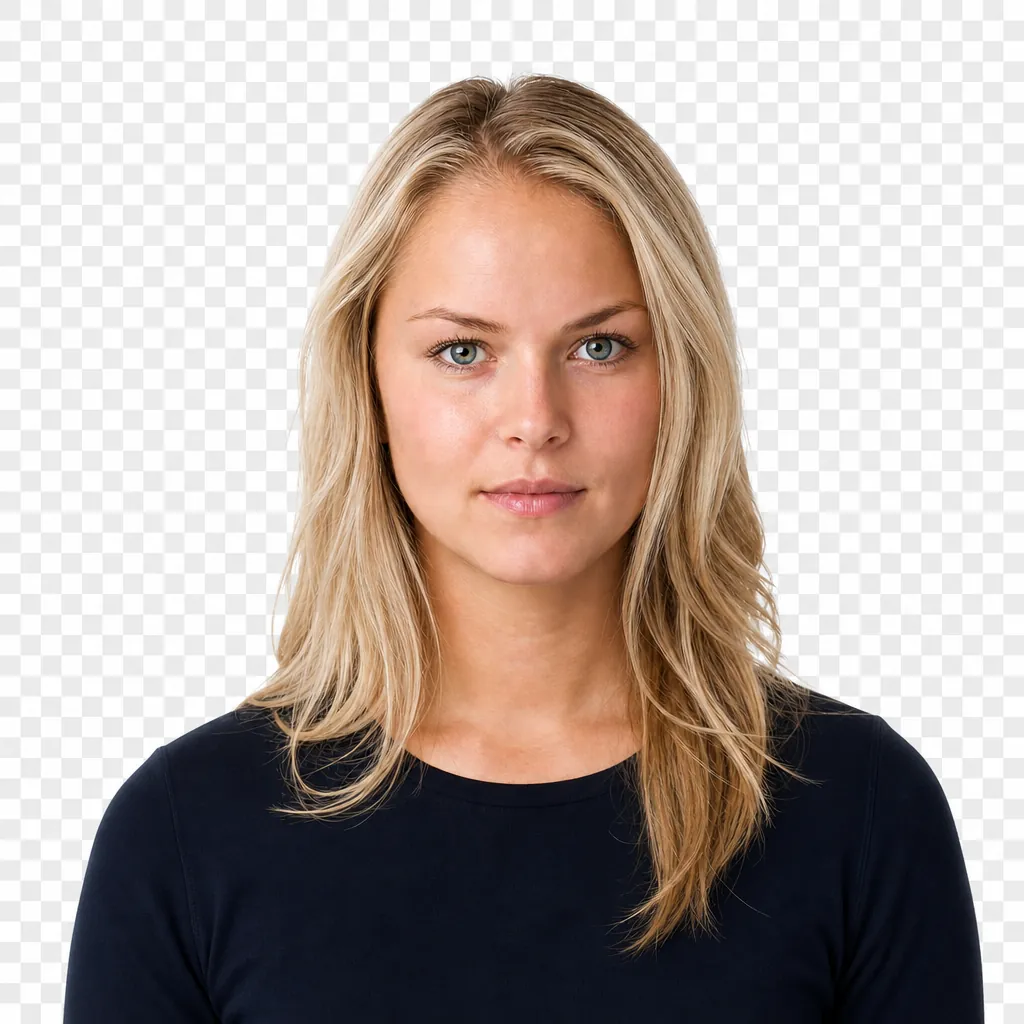
Every rule, measured before you pay.
- Photo size
- 35 × 45 mm
- Head size
- 29–34 mm
- Background
- #F5F5F0
- Resolution
- 300 dpi
Personalised UK Passport Photo Prints — 4 Pack
Physical photographs on photo paper, made to order and posted to you. From £12.99 including VAT and free UK delivery.
Passport Photo Size Requirements
A passport photo resizer has one job, which is to get the frame and the head to the right size without changing how you look. These are the numbers it works to.
Digital photos
- Clear, in focus and in colour, with no filters or effects
- Between 50KB and 10MB
- At least 600 pixels wide and 750 pixels tall
- Completely unedited by computer software
Printed photos
- Two identical, professional-quality prints
- 45mm high by 35mm wide, the usual photo booth size
- Head measuring 29mm to 34mm from crown to chin
Pose and expression
- Face forwards and look straight at the camera
- Plain expression with your mouth closed
- Eyes open and clear, with no hair across them
- No headwear unless it's religious or medical
- Glasses must not cover your eyes or reflect glare; no sunglasses
Babies and children
- Your child must be on their own, with no toys or dummies
- Under 6s don't need a plain expression
- Under 1s don't need to have their eyes open
That's the short version. For the full rules, with examples of what passes and what doesn't, learn more in our complete guide.
Accepted, or double your money back.
If the official issuing office rejects a photo you bought from us, email the rejection notice within 60 days and we'll refund double what you paid. No hoops.
Questions people ask first.
45mm high by 35mm wide, with your head measuring 29mm to 34mm from the crown to the chin. A passport photo resizer needs to hit both numbers at once, because getting the frame right is no use if your head ends up too big or too small inside it. Our size guide explains what each measurement controls.
No. The rule against editing exists to stop anyone changing how they look, such as smoothing skin or opening closed eyes. Cropping and resizing to the published size is normal and expected, and it's what every photo booth in the country does. Using a passport photo resizer is fine as long as the face stays yours. The background article touches on this in the section about alterations.
Almost always because the file dropped below 50KB. Messaging apps, email "resize for sending" options and compress-image sites can all shrink a photo without it looking any different on your phone. Use the original from your camera roll when you use a passport photo resizer, and read about the 50KB trap if you want the full picture.
Yes, but the print has to come out at exactly 45mm by 35mm, and printing from a phone or a word processor often scales it without telling you. Measure the result with a ruler before you send it anywhere. Our home printing walkthrough covers the settings that give a true-size print, and a passport photo resizer gets the file ready first.
The frame is the same, so a passport photo resizer treats a child's picture the same way. What changes are the pose rules: under 6s don't need a plain expression and under 1s don't need their eyes open. We've written the age-by-age rules out in full.
Unfortunately not. Resizing changes the dimensions, not the light, so a shadow across your face or glare on the background will still be there afterwards. Get the lighting right when you take the shot and the passport photo resizer only has to do the easy part. This guide to lighting is worth a few minutes.
Taken within the last month when you submit your application. A passport photo resizer can't make an old picture new, so it's worth taking a fresh photo before you resize. The validity explainer shows how the timing works.